
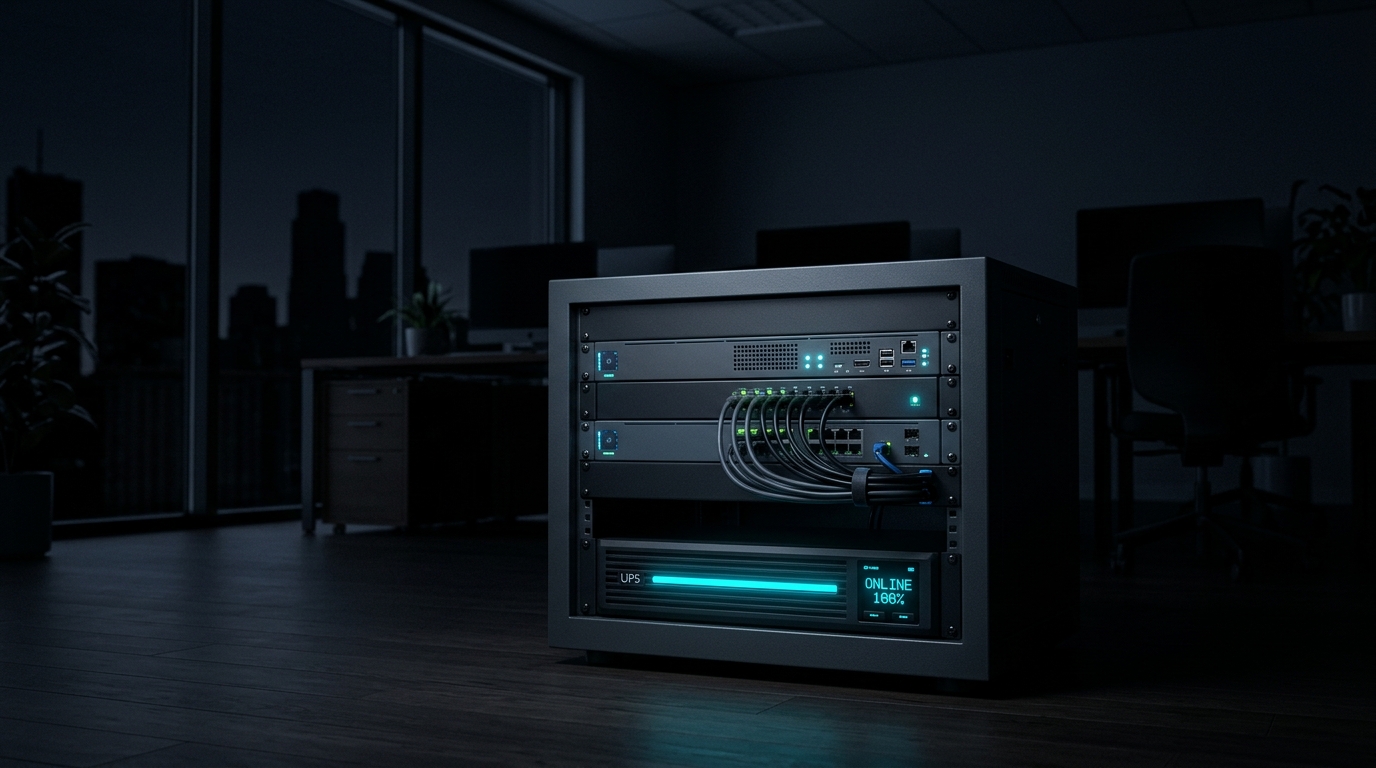
Most offices that own a UPS think they’re protected from power cuts. A UPS is a battery that keeps your equipment running for a while. That’s useful, but it only buys you time. When the battery runs flat, everything switches off at once, exactly as if someone pulled the plug.
An abrupt power loss can corrupt files, damage databases and leave servers refusing to start properly. It happens at the worst moment too, when nobody is in the office to fix it.
What a UPS needs to do
A good setup does three things:
- Ride through short cuts without anyone noticing.
- Shut everything down cleanly before the battery runs out.
- Start everything back up by itself when the power returns.
Most offices only have the first one.
Not all UPS units are equal
Cheaper “standby” units switch to battery when the power fails, and there can be a tiny gap while they do it. “Online” units, also called double-conversion, run your equipment from the battery system all the time. There’s no switch-over and the power is cleaner, which is why we prefer them for servers and storage. They cost more, but they suit anything you can’t afford to lose.
The missing piece: something to tell your servers when to stop
A UPS can’t shut down your servers on its own. It needs a small monitoring device connected to it. This is a low-power computer, about the size of a pack of cards, that watches the battery level. When the battery drops below a safe point, often around 40%, it tells every server and storage device on the network to shut down properly. Then it shuts itself down last.
We use a separate small device for this on purpose. It draws almost no power, it starts by itself the moment power returns, and it doesn’t depend on any of the servers it’s protecting.
The trap that catches most people
Here’s a scenario we see often. The power fails, the battery runs low, and your servers shut down cleanly. Then the power comes back before the battery is completely empty. The UPS never actually switched off, so your servers never noticed a power cycle. They stay off until someone walks in and presses the button.
The fix has two parts:
- The UPS briefly cuts its own output after everything has shut down, then restores it once mains power is stable.
- Every server is set to power on automatically after a power loss. This is a setting in the server’s startup menu (the BIOS), usually called “Restore on AC Power Loss”. Choose “Power On”, not “Last State”. After a clean shutdown the last state was off, so the machine would stay off.
Shutdowns take longer than you think
A busy server running several systems can take more than six minutes to shut down properly, because it has to wait for each program to close. Your UPS needs enough battery to cover that time. We measure how long your real shutdown takes instead of guessing.
Battery runtime figures on the box are estimates too. Batteries wear out, so plan on replacing them every few years.
Five questions to ask about your own setup
- Does anything actually tell my servers to shut down before the battery dies?
- Have we ever tested it, by switching the UPS off at the wall during a quiet time?
- Will my servers start up again by themselves after a power cut?
- How old are the UPS batteries?
- Do I get an alert when the power goes off after hours?
If you answered “I don’t know” to any of these, you’re in good company, but it’s worth sorting out before the next outage.
Want us to check? We can review your power protection, test it safely and set it up so your office looks after itself during power cuts. Get in touch for a quick power-readiness check.